Part of 6. IsurDASH Platform.
6.1. First Steps: Access and Login
Access to the IsurDASH platform is done through a standard web browser. The sign-up process is initiated via an email invitation to guarantee account security.
Account Creation Process
- Account Creation: To gain access, the user must first provide a valid email address to the Isurki team. An email containing an invitation link to the platform will be sent to this address.
- Establish Password: The user must click the link received in the invitation email. They will be redirected to a secure IsurDASH page where they can establish their personal password.
-
Login: Once the password is set, the user can access the platform at any time from the following address:
- Login URL: https://isurdash.isurki.com/login
Login is a two-step process: enter your email address first and press Login, then enter your password on the screen that follows and press Login again.
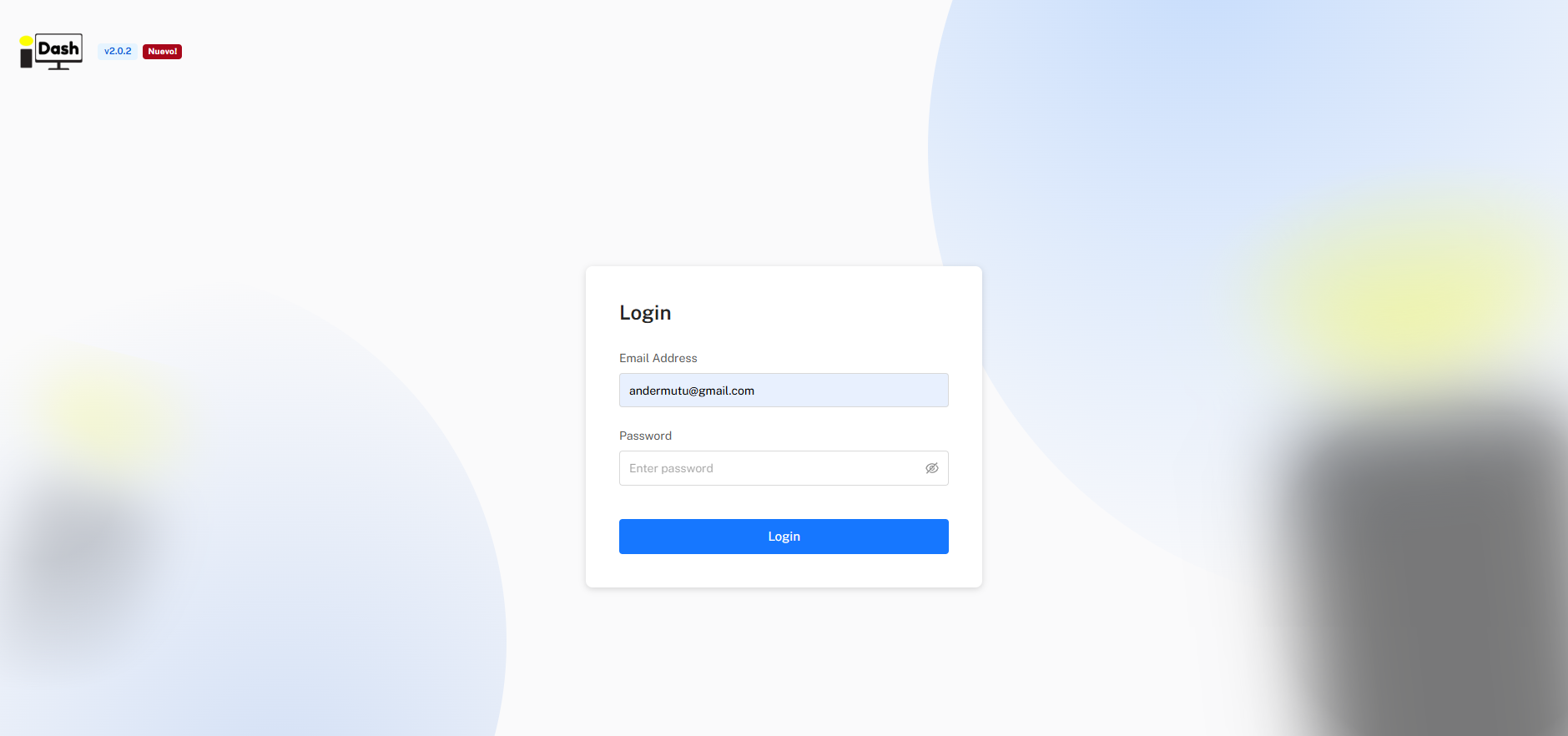
The IsurDASH login screen.
Note
The "Forgot password?" option is not shown on the initial login form — it only appears after an incorrect password attempt. From there it can be used to recover access. For any other access issues, contact the Isurki support team.